Näytetään tekstit, joissa on tunniste Install. Näytä kaikki tekstit

maanantai 15. lokakuuta 2012

Part 14. Create SOA Domain


Next, let’s create a SOA domain
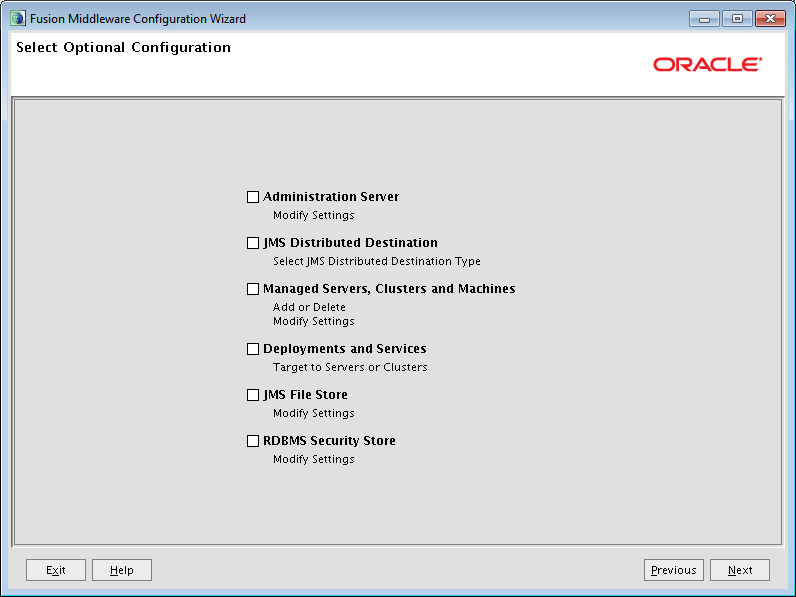
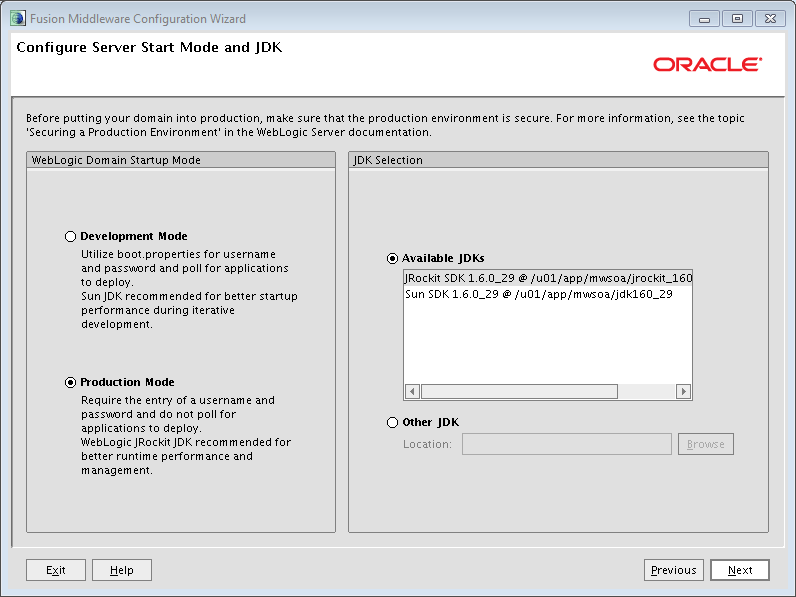
Create domain with config.s. You need here also the be logged on as user oracle.

# cd /u01/app/mwsoa/Oracle_SOA1/common/bin
#./config.sh
(change cd command according to wherever you installed your sw)

Select the components that you want to install. I selected:
  • Soa Suite
  • BAM
  • Enterprise manager
  • WSM (oracle common)
  • Some selections get set automatically based on prior selection like the JRF
-          If you want to use BPM Suite, you might select them now, or create a separate domain for them (if you go that route you need to know that BPM Suite requires that SOA Suite is also installed so in that case you'd have to install SOA Suite twice; and perhaps also use the RCU twice to get the separate BPM install working). Separate domains shortens the startup time if you do not always need for example BPM Suite as you can start each domain on need basis.


Admin username and password.


part 13 - SOA Suite Install


Soa server sw installation
There are several good resources on the net for soa suite install. You might check at least:
which shows you how to install on windows and contains snapshot of every screen or you might take a look at installation videos at:
Actual installation of soa suite
Move SOA Server sw to the machine, unpack and execute. The SOA SW came up in a couple of big zip files (V29672-01_1of2.zip and V29672-01_2of2.zip), that I moved with winscp to the linux machine. Moved to the staging directory and unpacked with:
#unzip V29672-01_1of2.zip
#unzip V29672-01_2of2.zip
This created a number of subdirectories. Under the directory Disk1 is the actual install program which is called runInstaller.sh
I ran it with:

[oracle@soaserver2 Disk1]$ ./runInstaller -jreLoc /u01/app/mwsoa/jdk160_29/jre
Starting Oracle Universal Installer...
Checking if CPU speed is above 300 MHz.    Actual 2933 MHz    Passed
Checking Temp space: must be greater than 150 MB.   Actual 1801 MB    Passed
Checking swap space: must be greater than 512 MB.   Actual 10751 MB    Passed
Checking monitor: must be configured to display at least 256 colors.    Actual 16777216    Passed
Preparing to launch Oracle Universal Installer from /tmp/OraInstall2012-09-05_01-01-54PM. Please wait ...[oracle@soaserver2 Disk1]$ Log: /u01/app/oraInventory/logs/install2012-09-05_01-01-54PM.log
The –jreLOC sets thelocation where the java runtime is installed.
The installation program does some preliminary checks and then asks for the location where to install SOA Suite. If there is just one potential middleware home, it will be automatically detected and populated. It also asks what apps server you use. If you only have wls, it will be preselected and other options grayed out. And that’s ‘bout it for SOA Suite sw.
 No SW Updates emails

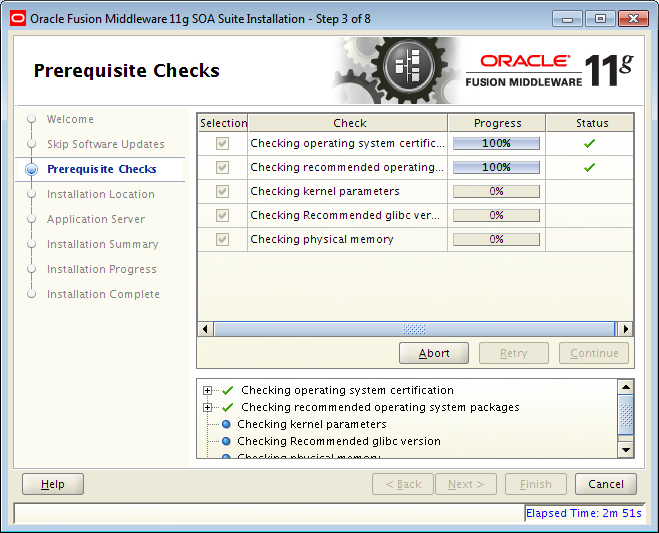
 Some prechecks are run.
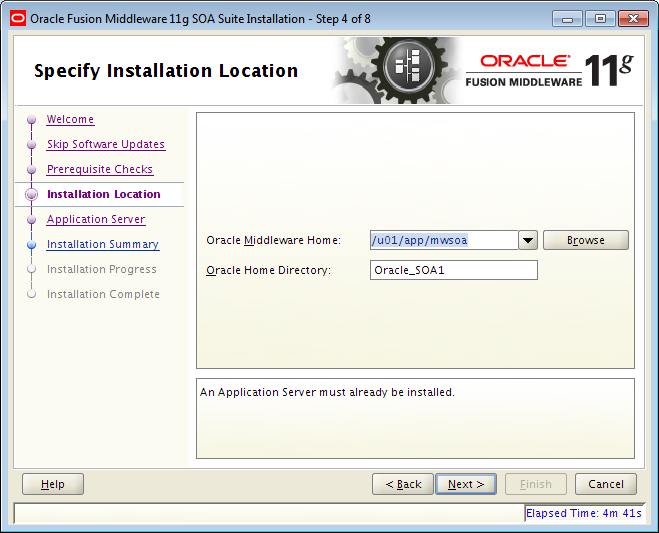
 Install directory - same place where WLS is installed and give name to the SOA Home dir.
 As I  have WLS (and only WLS) installed on the MW Home directory, it is preselected and nothing else can be selected.
 Summary
 Ongoing Installation
 Completed.


Part 12. WebLogic Server install


WLS installation
Move wls sw to the machine, unpack and execute. I moved the file wls1036_linux32.bin to the linux machine using winscp (as user oracle). Switched to the terminal screen where I was logged as oracle. Moved the binary to directory that I was using as a temporary staging area.
Then I gave the file execute rights, changed the owner to oracle and group oinstall and executed it. It is a self-extracting binary that unpacks into a number of subdirectories:
#chown oracle:oinstall wls1036_linux.bin
#chmod +x wls1036_linux32.bin
#./ wls1036_linux32.bin
This starts the installation program that first self-extracts.
[oracle@soaserver2 stage2]$ chmod +x wls1036_linux32.bin
[oracle@soaserver2 stage2]$ ./wls1036_linux32.bin
Extracting0%.............................................100%
The defaults are valid for most steps. One of the things the subsequent pages ask is the directory where you want to install the sw. I selected /u01/app/mwsoa (in case I ever need to have additional wls installs for something else). The install program will also ask if you want to register for security updates. I de-selected this as I already get them due to a prior registration.
BTW: You can also install wls from console or have a silent install prepared, but I’ve never had the need for that.


The first page of the installation starts
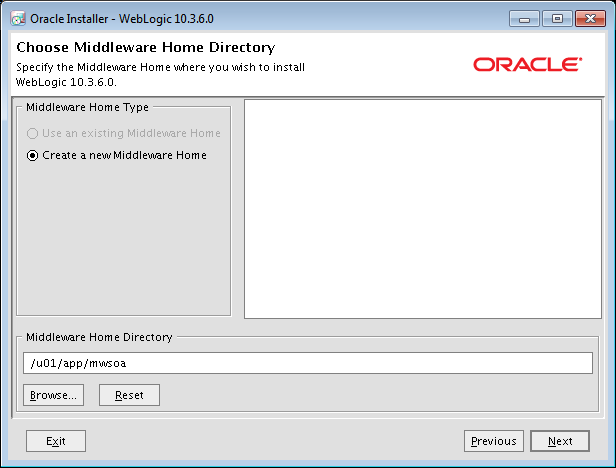
Set new middleware home and select location

 New home creation.


Location where web logic server SW is to be installed


Summary of options


 Completed. You should also Unchek Run Quickstart before pressing done (do what I say, not what I did :-)